Foreign tourists in Korea can get a refund on value-added tax (VAT) when they shop at stores with a "Tax Free" sign. For expensive electronics such as smartphones, laptops, and cameras, the amount you get back and when you get it depend on the refund method and the customs steps you follow when you leave. Tax Free is a system that lets foreign tourists claim back the tax on goods they buy during a trip. A Global Tax Free notice posted at a store entrance in Seoul's Myeongdong shopping district. Photo: Tenant News Refunds are about 4–8% of the purchase price The Tax Free refund applies to foreign tourists who spend at least ₩15,000 per receipt. The amount you actually get back is about 4–8% of the purchase price. The taxes refunded are VAT and the individual consumption tax. The VAT included in the price is about 9%, and you receive that amount minus the refund agency's fee. You qualify if you are a non-resident foreigner staying in Korea for less th...
Karrot (Daangn, 당근) is a neighborhood-based secondhand marketplace app in Korea, and foreigners can use it with the language set to English. The real hurdle is not the app. It is the Korean mobile number you need to sign up, and that number must be registered under your Alien Registration Card (ARC) number.
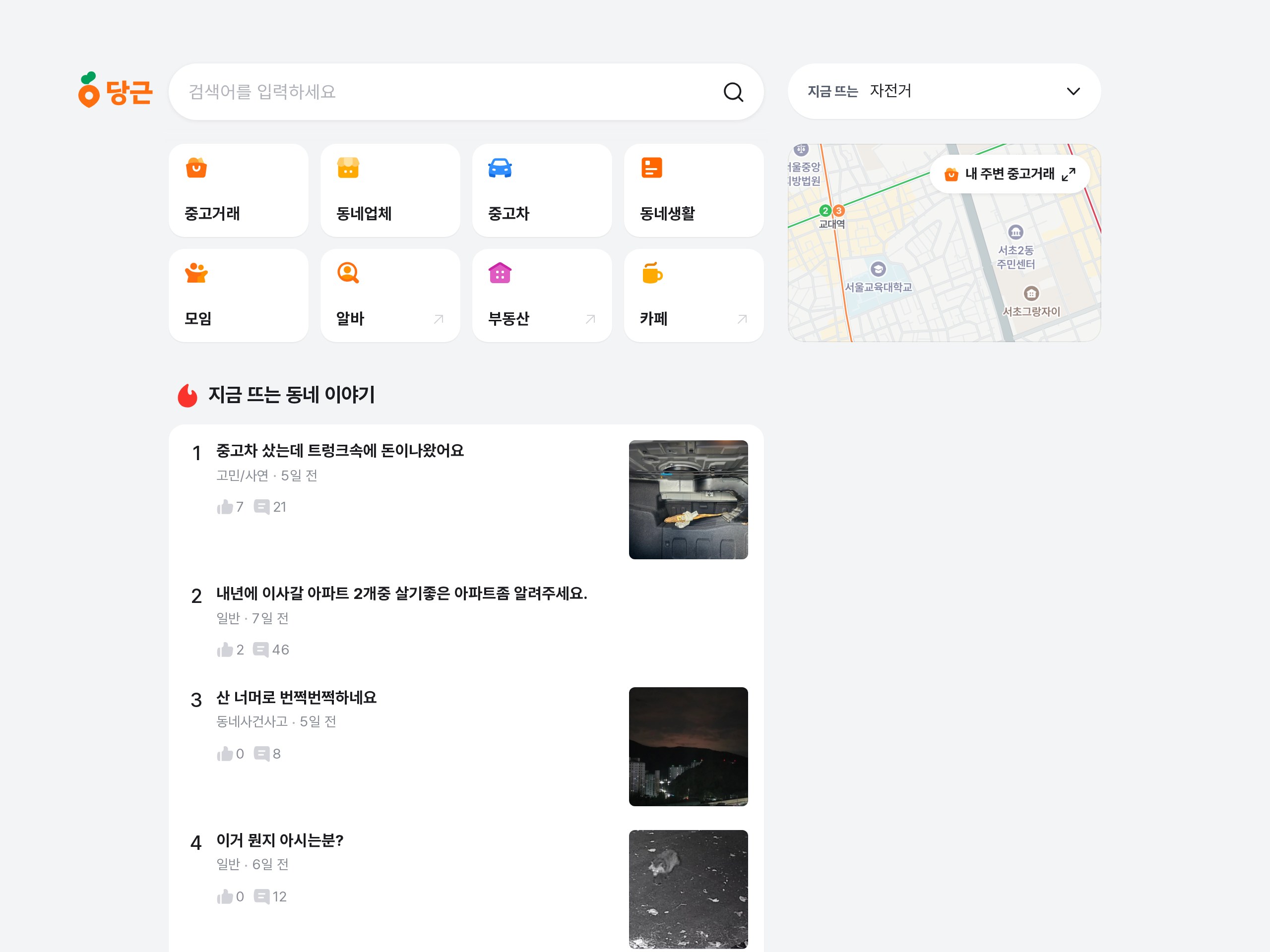
What Karrot Is
Karrot is a local marketplace and community app run by Danggeun Market Inc. in Seoul. Its slogan is "Karrot near you" (당신 근처의 당근). One app combines secondhand trading, local businesses, used cars, neighborhood life posts, groups, part-time jobs, and real estate. In 2025 it had more than 21 million monthly users and 190 million secondhand trade connections. The app is free to install, and there is no selling fee.
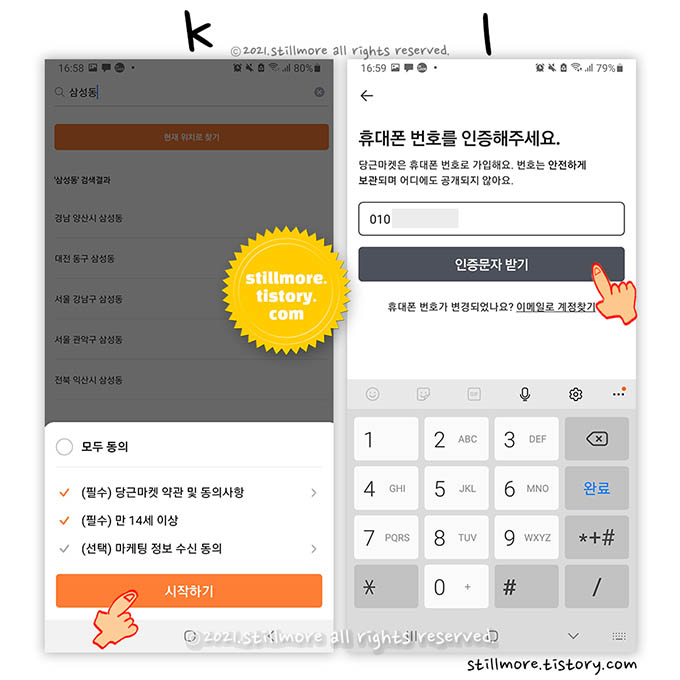
Signing Up as a Foreigner: You Need an ARC-Registered Number
To sign up, you need a Korean mobile number in your own name. For foreigners, the line must be registered under your Alien Registration Card (ARC) number. A line registered under a passport number does not pass identity verification. A dual-number service does not pass either. One person can create up to three accounts, and lending your account to someone else is prohibited. Before you install the app, ask your carrier whether your current line is registered under your ARC.
English Settings and 30-Day Neighborhood Verification
You can switch the language to English under My Karrot > Settings > Language. English changes the menus, buttons, and system messages. Posts still appear in the language the seller wrote them in, and most are in Korean.
Neighborhood verification works only when you are physically in that neighborhood. The app checks your location using phone signals and GPS. You can register up to two neighborhoods, and verification expires after about 30 days. When it expires, you cannot start new chats or write new posts. Chat rooms that are already open stay available.
Example Prices, and How Free Giveaways Work
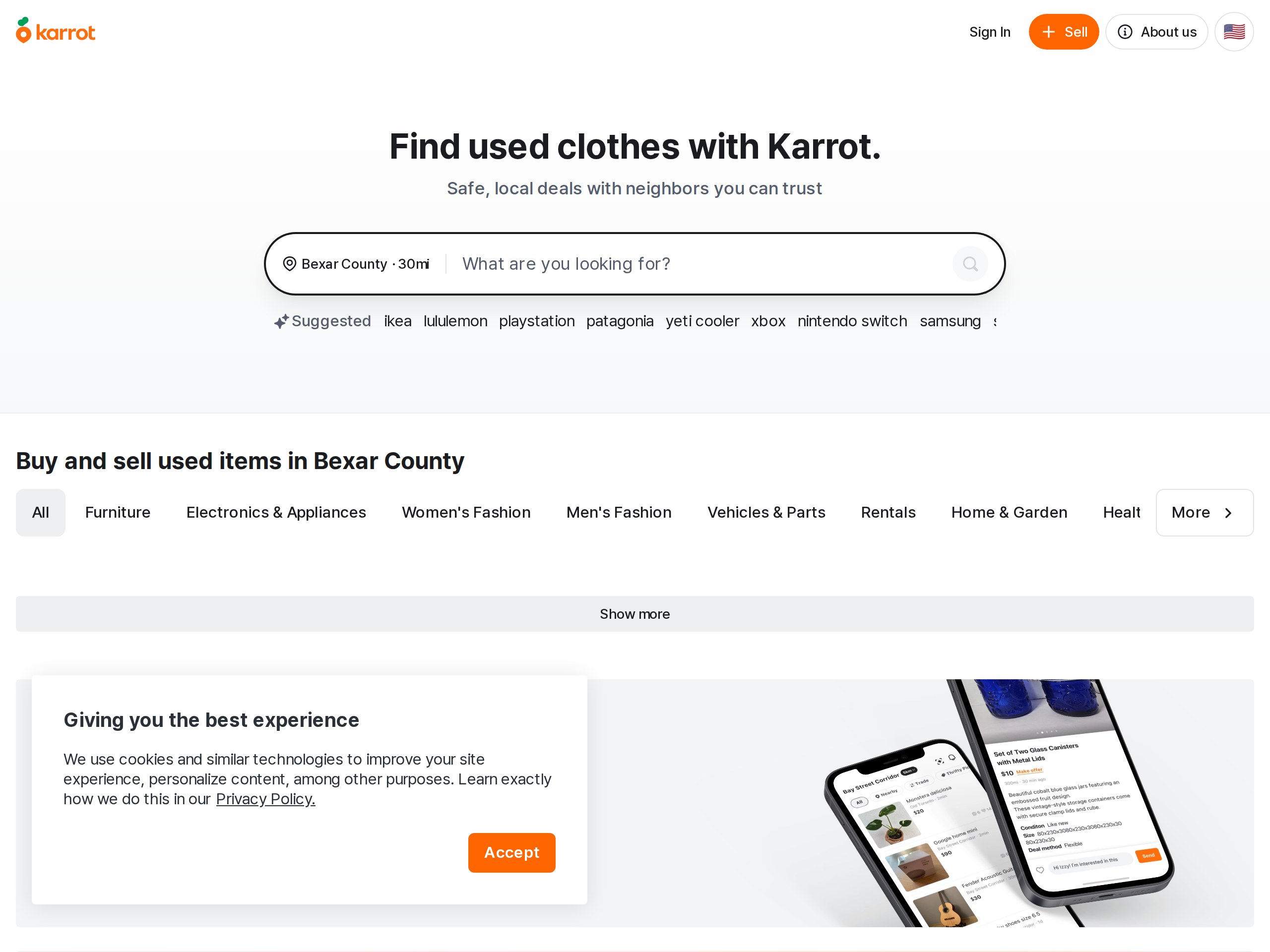
On Karrot, a seller in Uiwang listed a new De'Longhi electric kettle for ₩45,000. The same model costs ₩79,900 on Coupang. The overseas Karrot website also has separate Furniture and Electronics & Appliances categories, so you can look for secondhand items to furnish a studio apartment.
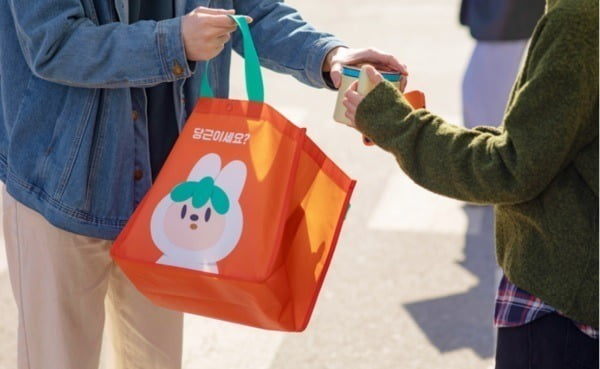
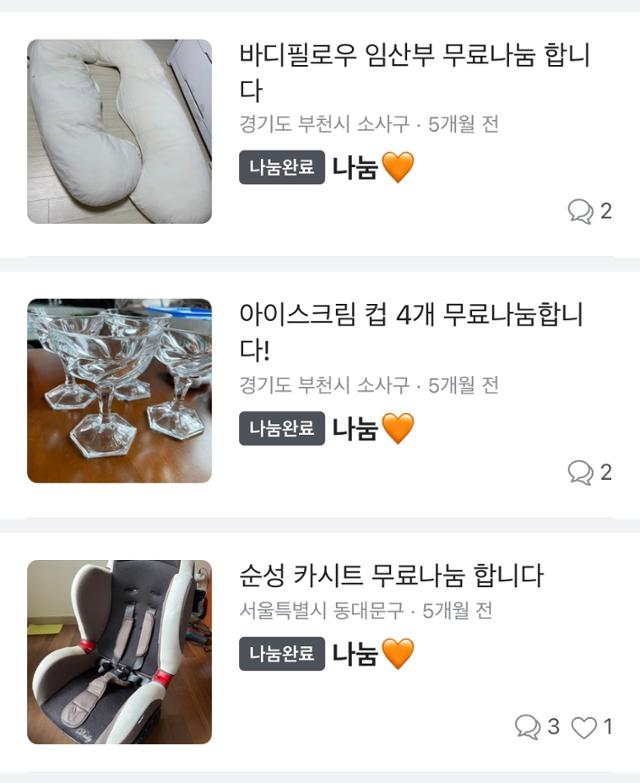
Nanum (나눔) means a free item, listed at ₩0. The giver chooses who gets it, not whoever replies first. A real giveaway asks for nothing except that you pick the item up. If a giveaway asks for personal information or a verification code, treat it as a scam sign.
How a Trade Works: Inspect in Person, Then Transfer
A trade starts with a chat with the seller. The chat button is the orange button at the bottom right of the app. You negotiate the price in chat. "Nego X" on a listing means the price is not negotiable. In most in-person trades, you inspect the item in person and then pay by bank transfer. If you want to pay in cash, say so beforehand.
There are two ways to pay:
- Bank transfer: Inspect the item at the meeting, then transfer the money. Karrot Pay requires a linked Korean bank account.
- Safe payment (안심결제): Karrot holds the money until you confirm the purchase. The buyer's fee is 3.3%. Do not tap "confirm purchase" before you have received the item.
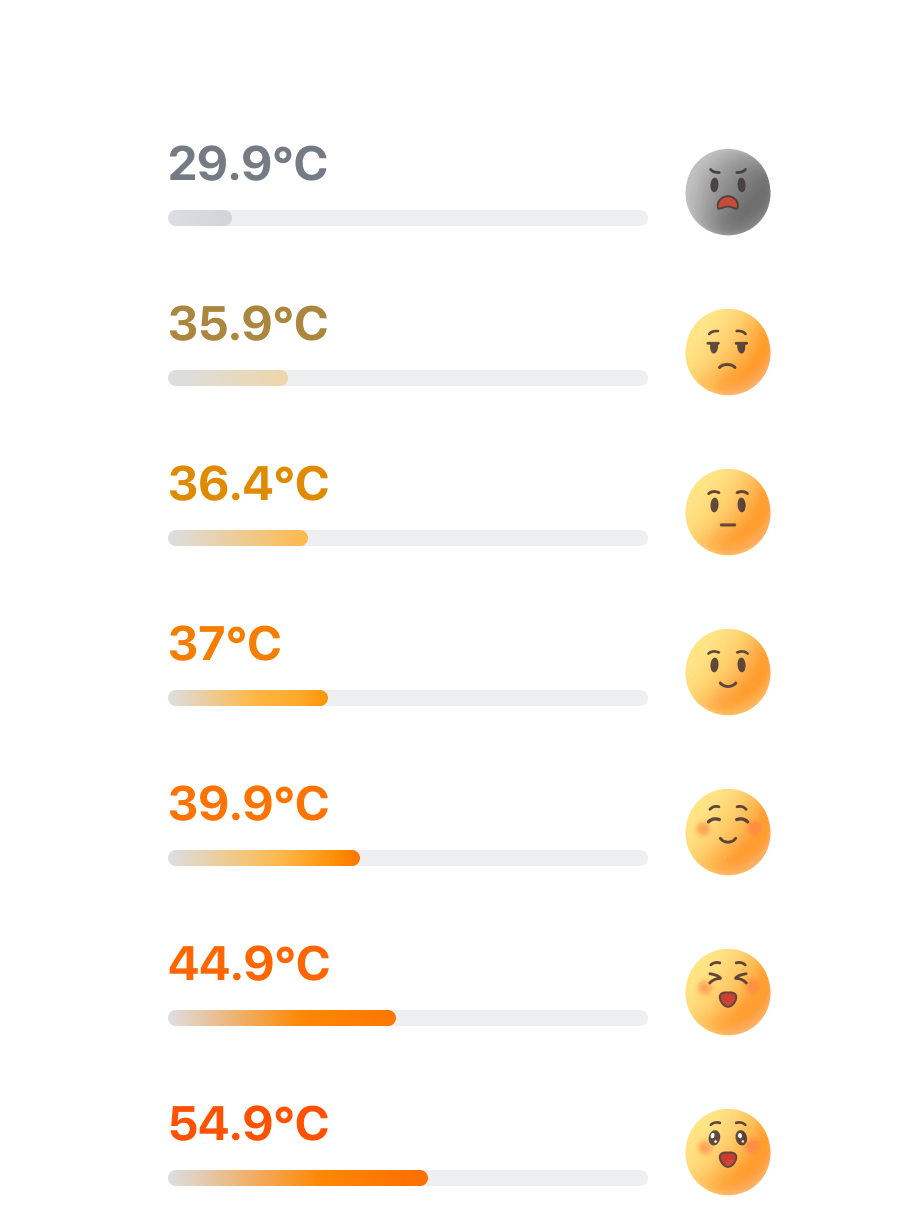
New users start with a manner temperature (매너온도) of 36.5°C. This is a trust score that reflects ratings from people you have traded with. You can see it on the other person's profile before you trade.
Five Scam Signs and How to Report Them
The most common scam signs on Karrot are being pushed to chat outside the app, prices far below the market rate, and requests to confirm a purchase before delivery. There are five signs in total:
- A request to move the conversation to KakaoTalk or Telegram
- A price far below the market rate
- A request to tap "confirm purchase" before the item is delivered
- An account or phone number sent as a photo or split across several messages
- An outside bank account whose holder name includes "Danggeun Pay" or "Danggeun Market" (당근페이, 당근마켓)
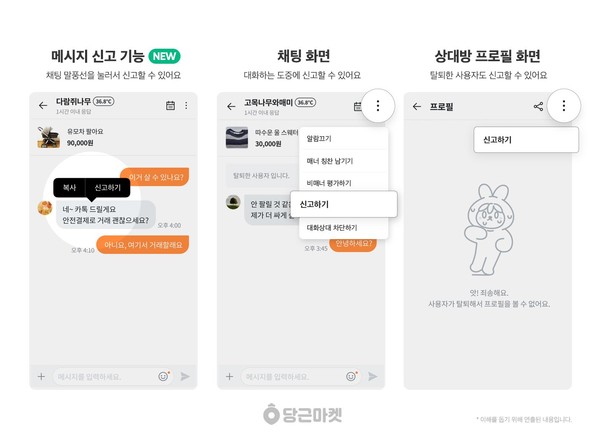
If you suspect a scam, tap "Report" (신고) in the chat room and choose the scam option to file a report. Profiles and posts also have a report button (신고하기).
Getting Started in 7 Steps
To start using Karrot, check your carrier, install the app, verify your identity, verify your neighborhood, search, chat, and meet in person.
1. Ask your carrier whether your line is registered under your ARC.
2. Install the app and change the language to English.
3. Verify your identity with your Korean mobile number.
4. Turn on GPS and verify your neighborhood while you are in it.
5. Search for the item you need.
6. Message the seller to agree on a price and a meeting time.
7. Inspect the item at the meeting, then pay.
Karrot works in English as long as you have a Korean mobile number registered in your real name. Sort out an ARC-registered line first, and you are much less likely to get stuck at sign-up.